Hello WWF-US!
We've created a DevResults sandbox site for you so you can try things out. This is a short guide for how to use DevResults, plus some info about the example data we've added.
About your DevResults sandbox
We created a global DevResults site for you so you can get a sense of multinational reporting. We added some default multi-national regions, but your DevResults site would be customized to just your geographic scope and the way you group/organize countries.
Sample data in the sandbox site is tied to Guinea. You can zoom in on the map and navigate to Guinea in the lefthand filter panel to see its subnational administrative divisions, which would also be customized for the specificity of your reporting needs.
Visit Program Info > Projects to see the index of example projects. You might call these awards, activities, grants, initiatives, teams, or some other term for how your work is structured, and we'd update your menus accordingly.
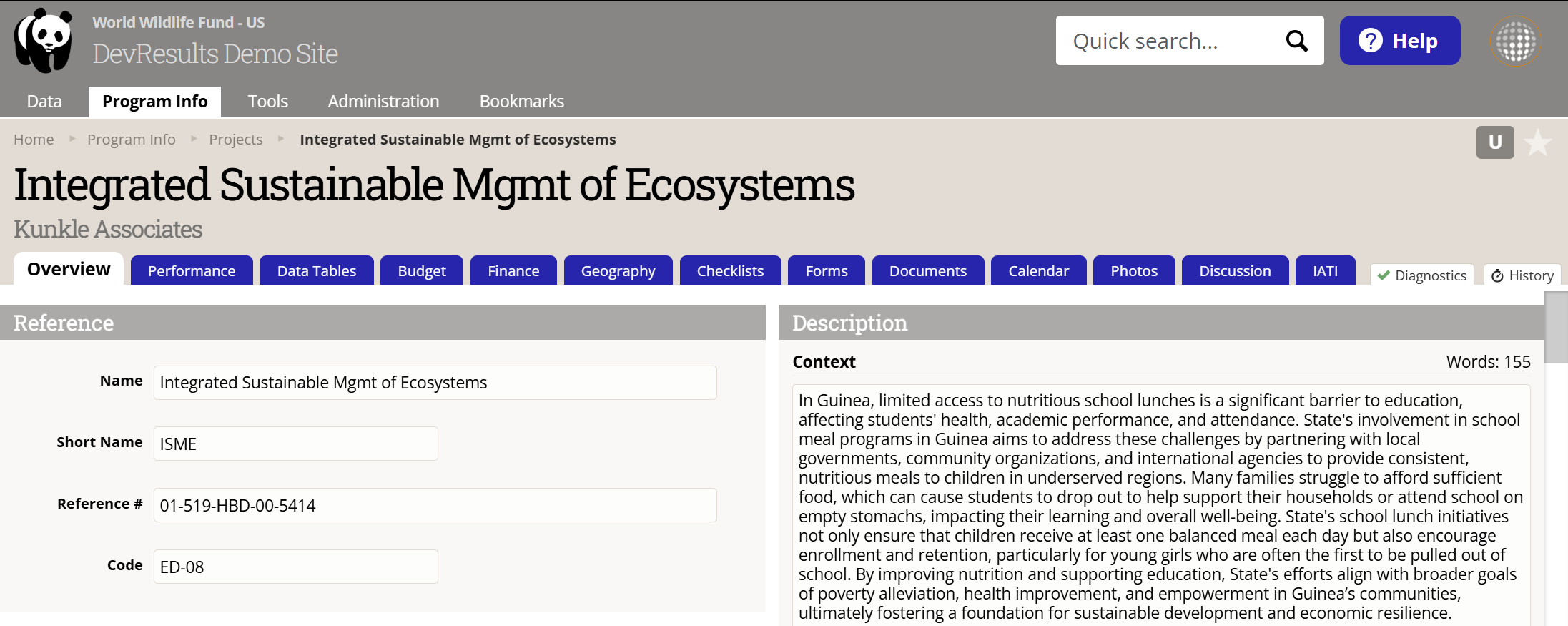
In this index, click on Integrated Sustainable Mgmt of Ecosystems. This is a pre-existing demo project wiht lots of data that we renamed to replicate WWF-US types of projects).
Where to start
From the Integrated Sustainble Mgmt of Ecosystems overview tab, take a second to get your bearings.
The grey menus along the top are for navigating all of DevResults. The blue tabs below are for navigating whatever page your on, whether that's a project page (like this one), and indicator page, a data table page, etc. From here, our advice is to click through each tab and have a look at what's there. Visit each menu item and see what's there. Ask us questions about anything!
Next, have a look at reporting data.
- On this page, scroll down to where you see a list of the assigned reporting periods for this project, e.g. 2025 Q4.
- Click on one. You'll see the list of indicators assigned to the project for this period. This is the page partners see for reporting data.
- See if you can add or edit some data!
For more experiments:
- Play around with the reports tab for an indicator like 3.1.1-c. Check out each of the four report types on the top left and try out the display and filter options.
- Create an indicator from the indicator index.
- Define a project from the project index.
For in-depth how-tos, keep reading!
Note: We don't expect anyone to be able to set up complicated test scenarios with zero training. For something specific, reach out and we can set you up. This is meant to be an orientation for the basics.
DevResults how-to
This knowledge base has a help article for just about everything you can do with DevResults. The best place to start is a guide we've assembled for beginners: Teach Yourself DevResults.
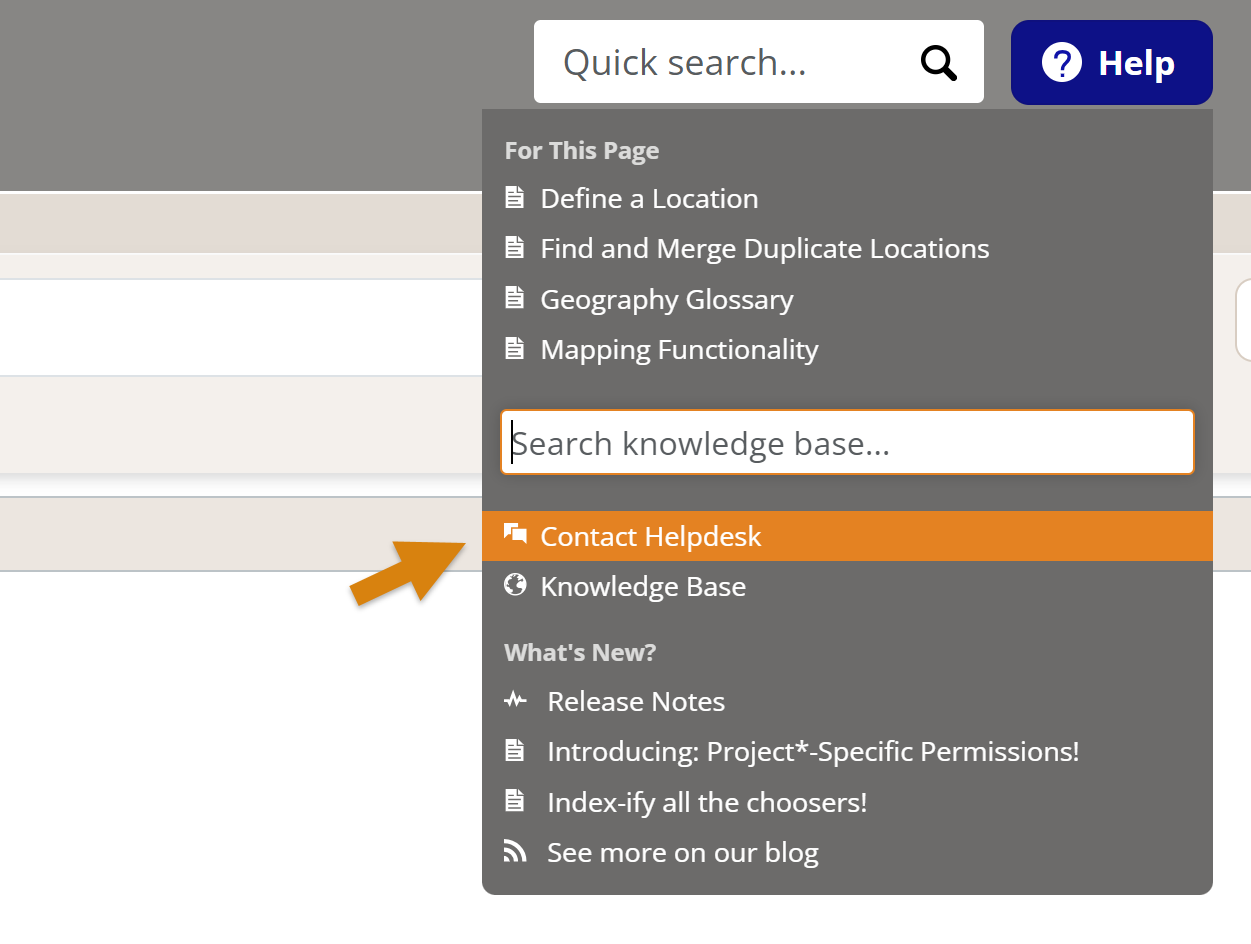
If you need any help, every page of DevResults has a blue Help button in the top right. From here you can:
- See some suggested articles for the page you're viewing
- Search the knowledge base
- Email us directly through our Helpdesk. Send us a question about anything, any time.
We hope to hear from you soon!
Didn't answer your question? Please email us at help@devresults.com.